Hono Swagger UI
A tool for documenting and testing RESTful APIs, built on the Hono HTTP framework and the Swagger UI middleware.
The component provides an interactive documentation interface based on a given OpenAPI specification.
Deploy with Helm
helm install hono-swagger-ui --version 0.1.2 oci://ghcr.io/cosmonic-labs/charts/http-trigger -f https://raw.githubusercontent.com/cosmonic-labs/control-demos/refs/heads/main/hono-swagger-ui/values.http-trigger.yamlRepository: cosmonic-labs/control-demos/hono-swagger-ui
Languages: TypeScript
Interfaces: wasi/http
Running on Kubernetes
You will need a local Kubernetes environment with Cosmonic Control installed according to the Get Started guide.
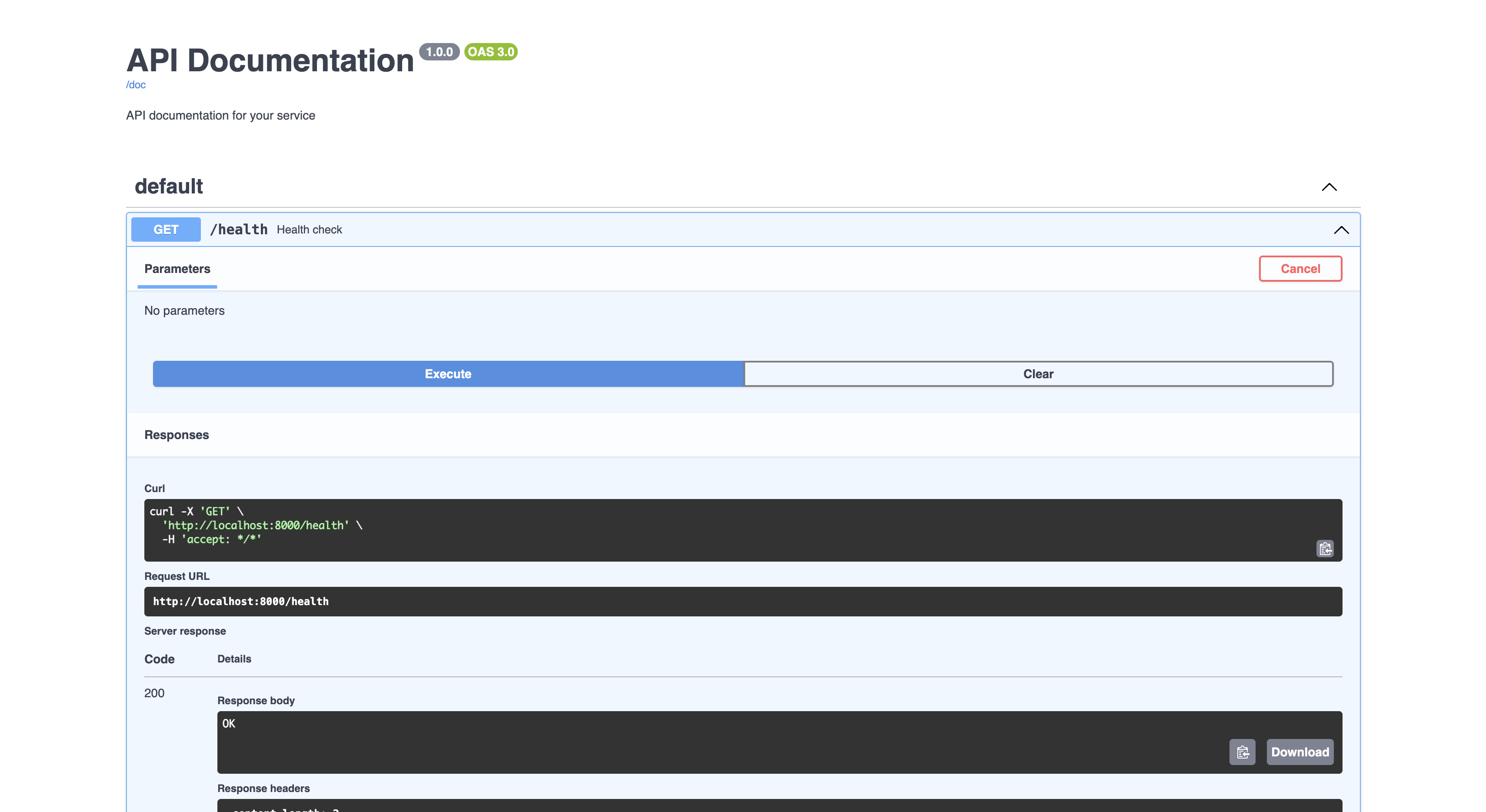
Open browser to http://hono-swagger-ui.localhost.cosmonic.sh/ui to see the example.
Development
Development requirements:
node- NodeJS runtime (see.nvmrcfor version)npm- Node Package Manager (NPM) manages packages for the NodeJS ecosystemwash- Wasm Shell v2.0.0-rc.7 for developing and building Wasm components
Clone the cosmonic-labs/control-demos repository:
git clone https://github.com/cosmonic-labs/control-demos.gitcd control-demos/hono-swagger-uiStart the development loop:
wash devor
npm run startWhen using wash dev, the application is accessible at localhost:8000. View the code and make changes in src/index.ts.
You can cancel the wash dev process with Ctrl-C.
Build the Wasm Binary
Compile the component:
wash buildThe .wasm binary will output to ./dist.
Learn More
- See the wasmCloud Developer Guide for instructions on pushing your Wasm component to an OCI registry.
-
To learn how to extend this example with additional capabilities, see the Adding Capabilities section of the wasmCloud documentation.
-
For more on building components in Go, see the Component Developer Guide in the wasmCloud documentation.